
Create your event
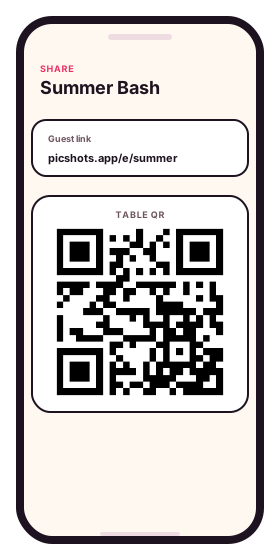
Set a name, shot limit, and get a host dashboard with a guest link and QR.
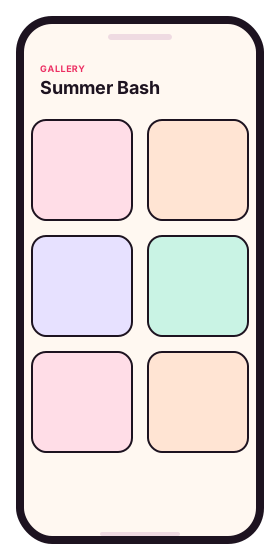
Every guest becomes a camera. The first-look hugs, kid-table laughter, and dance-floor magic all land in one shared gallery — from weddings and reunions to bachelor parties, retreats, and company events.
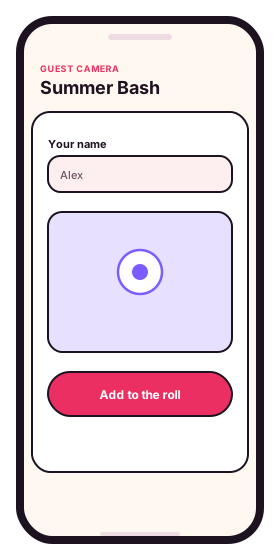
Guest camera — add a shot to the roll
Three steps
Set a name, shot limit, and get a host dashboard with a guest link and QR.
They add a name and use their phone camera in the browser. No install required.
You choose the moment uploads become visible to everyone.
Catch what your photographer can't
Your photographer can't be at every table — but every guest already has a camera in their pocket. PicShots turns that into one shared gallery you actually own.
Guests open your link and shoot from their phone—no App Store, no accounts, no friction at the door.
Set how many photos each person can add so the roll stays candid and balanced, like a disposable camera.
Print a table QR or share the link in your invite. Everyone lands on the same guest camera in seconds.
Keep uploads hidden until you are ready, then reveal the shared wall for the whole room to browse.
Stories from setups we love
Curated examples while public host reviews collect here. Real review schema is only emitted for verified host submissions.
“We printed a QR for every table and let the room work. Cake-cutting from six angles and the kids' table chaos we'd have lost otherwise — all in one gallery we still scroll through months later.”
Maya P.
Curated story“Tiny family party for my mom's 60th. I taped one QR to the cake stand, told everyone once, and ended up with a 200-photo gallery I just downloaded as a ZIP. About three minutes to set up.”
Liana R.
Curated story“Two-day off-site, 60 attendees, mixed iPhone and Android. PIN-protected event meant our comms team owned the gallery — we're already reusing the candids for next year's recruiting deck.”
Devon K.
Curated story“Set the gallery to private until the next morning. Reviewed everything over coffee, deleted three blurry ones, and shared the link with family. The reactions to the tiny shoes alone were worth it.”
Ines L.
Curated story“Three generations across one Saturday. Scan, type a name, shoot — that's all anyone had to do. No app store, no logins, no group-chat chase after.”
Sam V.
Curated story“I shoot couples; the room shoots tables. I deliver my edits plus the curated guest roll, and the couple gets a denser final gallery without me booking a second shooter.”
Renz A.
Curated storyRun an event and share your story.
FAQ
PicShots is a web-based guest camera that helps you collect the moments your photographer missed. Hosts create an event, share a link or QR code, and every guest's candid lands in one shared gallery — no app install required.
No. Guests use their mobile browser. They tap your link or scan a QR code, enter their name, and start shooting—nothing to install.
Yes. You set a per-guest shot limit when creating the event so everyone gets a fair roll and the gallery stays manageable.
You control visibility from the host dashboard. Keep uploads private while the event is live, then reveal the gallery when you are ready.
Weddings, reunions, birthdays, bachelor and bachelorette parties, retreats, company events, festivals, and any gathering where the photographer can't be everywhere at once.
Create your event in minutes, share one link or QR, and let the room help you remember every angle of the night.